





Announcement
From 24 December 2026, My Income app will require Android version 14 or later and iOS 18 or later to run. This is to ensure our users are able to securely transact on the app.
If your device is not on the above-mentioned versions, please update your OS version by 24 December 2026 to keep your experience on our app as secure as possible. Find out how to do update for Android here, and for iOS here.
Get covered and rewarded

Buy Travel Insurance

Get quotes

Redeem Income Treats
Manage your policies on-the-go

View your policy details

Manage your claims
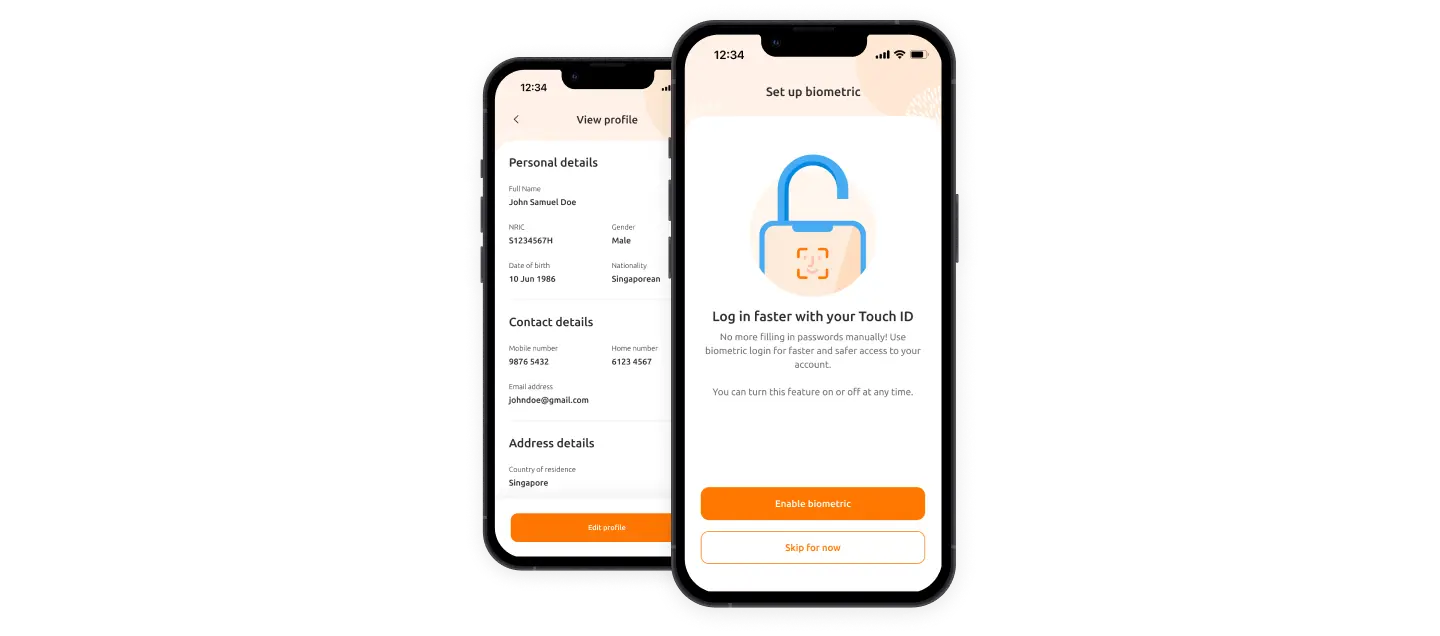
Manage your account details

Fast and secure access

Update your details easily

Update your password conveniently
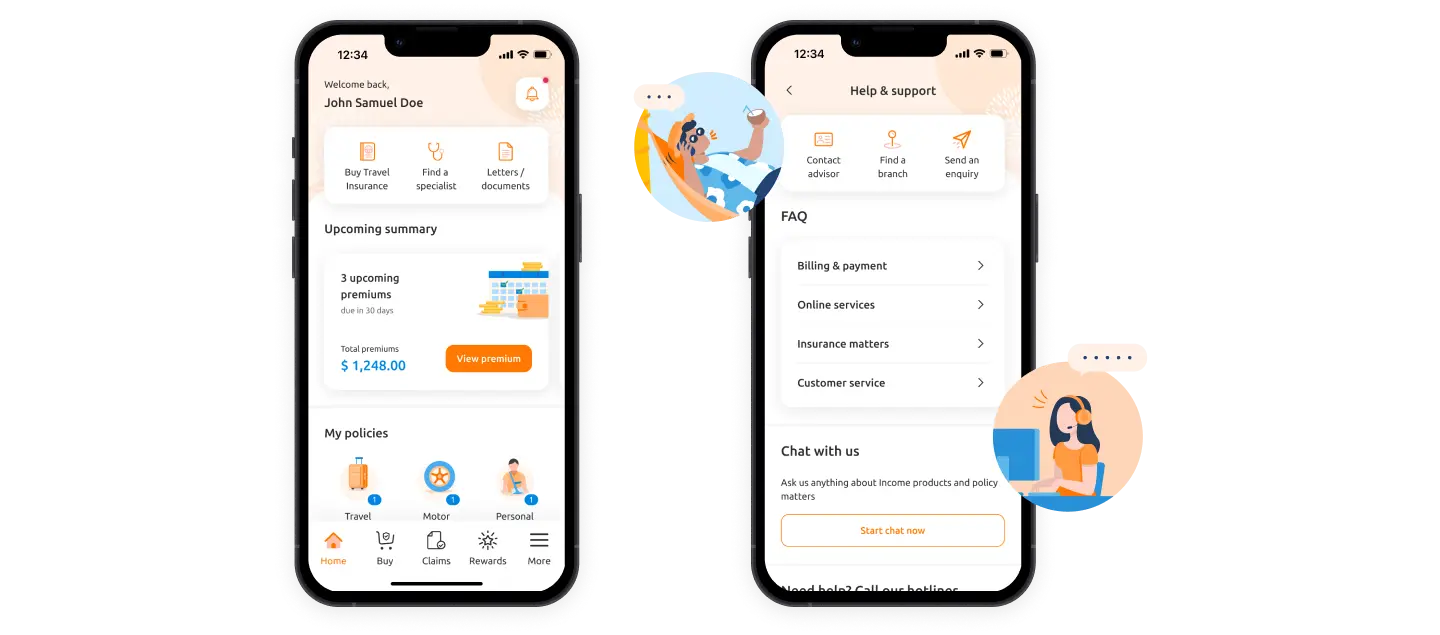
Get in touch with us quickly

Get advice easily

Contact us with ease
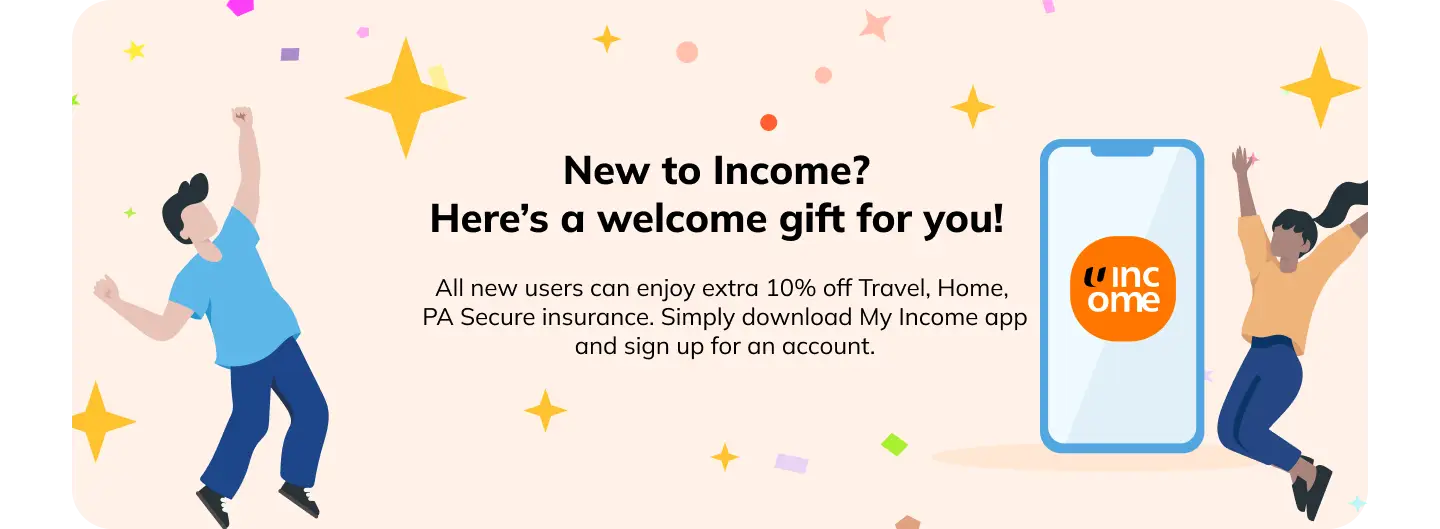.webp?language=en "prospect (2)")
1. New-to-Income users will have to fit the following criteria:
a. Above 18. People under 18 cannot sign up for an account with My Income customer portal/app.
b. Have a Singpass account
c. Never been an Income policyholder
d. Not insured under an Income policy, made a claim against an Income policy or a dependent for an Income policy.
Income Insurance Limited (“Income Insurance”) is offering the following promotion(s) (the “Promotion”). By participating in the New User Promotion, the customer agrees to be bound by these New User Terms and Conditions as well as the Promotion Terms and Conditions set out in the hyperlinks embedded in this New User Terms and Conditions (“Promotion Terms and Conditions”). In the event of any inconsistency between these Terms and Conditions and the Promotion Terms and Conditions, the terms stipulated in the applicable Promotion Terms and Conditions shall prevail:
2. Standard Per-trip (Classic, Deluxe, Preferred) Travel Insurance plans: An additional discount of ten percent (10%) (“Additional Discount”) shall apply on top of any discount stipulated under the Promotion Terms and Conditions, provided that the total aggregate discount applied shall not exceed sixty percent (60%). The Additional Discount is available exclusively for new-to-Income customers who submit a new application for a Qualifying Policy or Qualifying Policies (as defined herein) through the My Income mobile application.
3. Yearly (Classic, Deluxe, Preferred) Travel Insurance plans: An additional discount of ten percent (10%) (“Additional Discount”) shall apply on top of any discount stipulated under the Promotion Terms and Conditions, provided that the total aggregate discount applied shall not exceed thirty percent (30%). The Additional Discount is available exclusively for new-to-Income customers who submit a new application for a Qualifying Policy or Qualifying Policies (as defined herein) through the My Income mobile application.
4. Enhanced Home Insurance (3-year) plan: An additional discount of ten percent (10%) (“Additional Discount”) shall apply on top of any discount stipulated under the Promotion Terms and Conditions, provided that the total aggregate discount applied shall not exceed thirty-five percent (35%). The Additional Discount is available exclusively for new-to-Income customers who submit a new application for a Qualifying Policy or Qualifying Policies (as defined herein) through the My Income mobile application.
5. PA Secure Insurance plans: An additional discount of ten percent (10%) (“Additional Discount”) shall apply on top of any discount stipulated under the Promotion Terms and Conditions, provided that the total aggregate discount applied shall not exceed thirty percent (30%). The Additional Discount is available exclusively for new-to-Income customers who submit a new application for a Qualifying Policy or Qualifying Policies (as defined herein) through the My Income mobile application.



Your queries answered.
You can log in using email, Singpass, or biometric login.
To set up email login, tap on Register Now on the login screen and following the on-screen instructions.
During registration, you’ll have the option to enable biometric login*.
Alternatively, you can log in directly using Singpass by selecting the Singpass option on the login page. Singpass login does not require prior registration.
*Please note that biometric login can only be activated by logging in with your email and password. You can enable or disable this feature at any time by going to More page > App & Settings > Biometric Login.
- Navigate to the Home page or More page.
- Select the Letters / Documents button at the top.
- Once inside, you can filter documents by type and date. Available documents include purchase receipts and claim-related documents.
- Simply tap the Download PDF button to view the file.
To view policy detail documents, please go to the individual policy page to access them.
Do note that there are no official receipts issued for payments made using GIRO. However, customers can log in to https://me.income.com.sg to trigger a premium statement request or GIRO deduction letter. This statement will reflect the total amount deducted.
Navigate to the More page and select the Transaction History button at the top. You will be led to the transactions page. From there, you can filter the results by date and transaction type.
Please note that only transactions from the past two years are available for viewing.
To redeem your gifts, go to the Rewards page from the bottom menu bar and tap on View Gifts. This will lead you to a page with your redeemable gifts there. Follow the steps on the screen to redeem the gift.
- Navigate to the Rewards page
- Tap on View More on the Income Treats card. This will lead you to a page with all available Treats listed.
- Select the Treat you’d like to redeem and review the redemption instructions.
- If needed, scroll to the bottom of the page for the Redeem button.
To enjoy our new user offers, create a new account using Singpass registration. Once your account is set up, tap on the New User Promo card on the homepage. You’ll be directed to a page where you can select and purchase an insurance product.
The promo code will be automatically applied at checkout, giving you additional 10% off your selected product.
For technical issues, please email us at [email protected] with the following:
- Details of error faced
- Screenshots and/or screen recordings of error faced
- App version and Device ID (launch app > tap on "Continue as guest" > go to "Settings" > tap on "About My Income app" > tap on “Copy app info” )
For general queries, you may call our Customer Service at 6788 1777 (Mon-Fri, 9:00am-6:00pm) or submit your request to us via our online form.
For security reasons, if you have logged in using Singpass or via biometric login, you will automatically be logged out of the My Income app when you close the app. You can log in again to continue.
- Navigate to the Buy page via the bottom menu.
- Select the insurance category you wish to purchase from the top bar.
- This will open the insurance page for the selected category, displaying the different types of insurance available.
- Tap on Learn More to view more detailed information about the respective plans, or Buy Now to purchase the policy.
For Travel Insurance
For travel insurance, you can also make a purchase by clicking the Buy Travel Insurance button at the top of the homepage. This will take you directly to the Travel Insurance page, where the various available travel insurance plans are displayed.
- Navigate to the Buy page.
- If you have any ongoing applications, you will see a Saved Applications section displayed below the policy categories.
- Tap View Saved Applications to see the applications you were previously working on.
- Tap Continue for the policy you wish to proceed with, and you will be directed to a web view.
- You will then be prompted to enter an OTP sent to your mobile number to proceed.
Navigate to the More page. Under Accounts, tap on Manage Saved Profiles. This will take you to a page displaying all the profiles you have saved.
To add a new profile:
Tap Add New Profile at the bottom of the page, fill in the required information, and then tap Save.
To edit an existing profile:
Tap the pencil icon at the top-right corner of the profile card you wish to edit. Update the relevant fields and tap Save.
To delete an existing profile:
Tap the pencil icon at the top-right corner of the profile card you wish to delete. Once the profile page opens, scroll to the bottom and tap Delete Profile. When prompted, tap Delete to confirm.
- Navigate to the My Policies section on the homepage that displays the different categories of policies you hold.
- Tap on the relevant category to view all your policy cards.
- Tap on View Details on the policy card you’d like to access. This will take you to the policy details page, where you can toggle between:
- Quick Actions, such as viewing your policy documents, contacting an advisor, or submitting a claim
- Policy Details, such as policy dates and policyholder
- Payment Details
Navigate to the policy details page of your specified policy, and switch to the Actions tab. Select View Policy Document to open the PDF.
Please note that policies purchased in 2021 or earlier are not available in the app. For these, you’ll need to write in to [email protected] to request a copy of the document.
For other policy-related documents, such as purchase receipts and claim acknowledgements, please visit Letters and Documents.
The My Trips section is a record of all the trips for which you’ve purchased travel insurance.
To access My Trips, tap the Buy Travel Insurance button at the top of the homepage. On the Travel Insurance page, scroll to the bottom and navigate to the My Trips section, then tap See all.
On the My Trips page, you can view your trips by status (such as Ongoing or Upcoming). You can also view and edit FlexiTravel Plus policies purchased on the web on the same day under this section.
- Navigate to the Claims page where your submitted claims (if any) are displayed.
- Tap Submit a Claim and choose the relevant claim category.
- This will bring you to a page where you can filter and select the policies you’re eligible to claim under.
- Select your policy and follow the on-screen instructions to submit the respective claims.
- View your submitted claim on the Claims page, where you can check the claim status*, claim number, and date of submission.
*If you would like to follow up on your claim, please remember to quote your claim number to help us process your request more efficiently.
To change your travel policy dates,
- Navigate to the policy card for the trip you want to edit and tap into it.
- Tap Edit Trip at the bottom of the page.
- On the Trip Details page, select Edit Trip again.
- From the menu, choose Change Travel Dates.
- Follow the on-screen instructions to update your travel dates.
Go to the relevant policy page and switch to the Actions tab.
Tap Contact Advisor. If you purchased the policy through an advisor, their contact details should show up. Otherwise, you can choose to reach out to our customer hotline via the phone or email contact provided.
You can make a payment for your policy renewal starting 60 days before your plan’s renewal date. Within that period, your policy card will appear on the homepage showing the outstanding amount. Simply click on the card to be taken to the payment page, then follow the on-screen instructions to complete your payment.
Once your policy has been successfully issued, it usually takes up to 24 hours for it to show up in the app.
If you are still unable to see the policy after 24 hours, do email us at [email protected] for assistance.
Claims may take up to 15 working days to process after all required documents have been received, depending on your policy type. As a result, claims/claim status updates may not be reflected in the app immediately.
If you are still unable to see the claim after the stipulated period, do email us at [email protected] for assistance.
As payment processing may take some time, we kindly ask for your understanding while the payment is being received and reflected in our system.
This may be due to a timeout issue. Please try again shortly. If the issue persists, contact us at [email protected].
If your font size is set larger than the system default, it may affect the display of our buttons and cause them to overlap, making them unclickable. Please try resetting your font size to the default and trying again. If the issue persists, contact us at [email protected].
We regret that we can no longer support your device as we have phased out My Income app for Android 12 and older Operating Systems (OS). It is a necessary move as Android is no longer releasing security updates for these older OS as of March 2025. Phones with these older OS are thus more vulnerable to exploitation by malicious actors. To ensure our customers’ data is safeguarded, we made the decision to only support Android 13 and above.
Android phone models with Android 13 and above are able to operate My Income app, and now the latest operating system is Android 16. If you do not want to upgrade your Android OS, you may still make use of My Income customer portal for your Income Insurance matters.


