


.webp?language=en)




Key features at a glance

Account management
Update your personal particulars and password securely

Manage your policy
Access all policy-related matters anytime, anywhere

Claims management
Submit your claims and track the status conveniently

Manage your payments
View upcoming premiums and choose your payment modes
Log in via SingPass
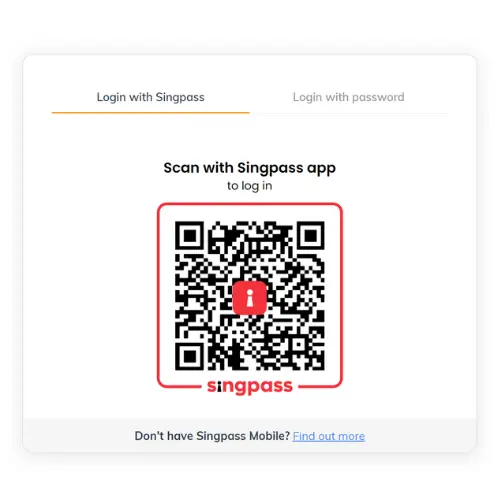 | To access My Income Customer Portal, simply log in via SingPass. You will not need to create an account and your information will be automatically updated. |
Here's what you can do
Alternatively, you can also create an account.
Follow these simple steps to create an account and manage your insurance matters digitally.
Select your Identity type, and input your Identity number plus date of birth.
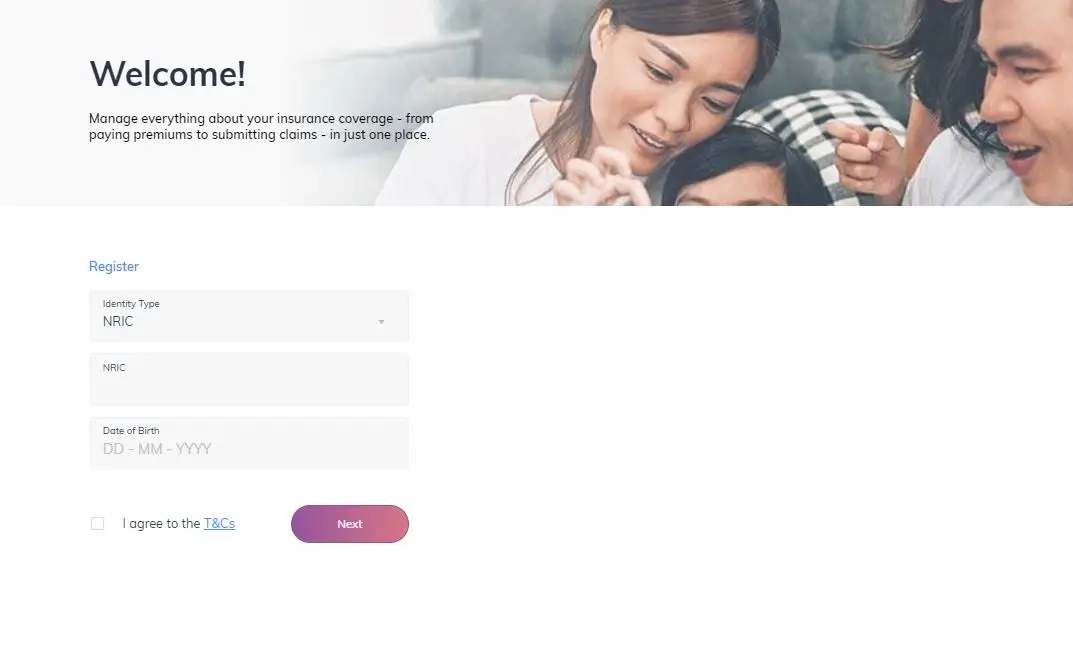
You will be prompted to provide your mobile number to generate the OTP which will be sent via SMS.
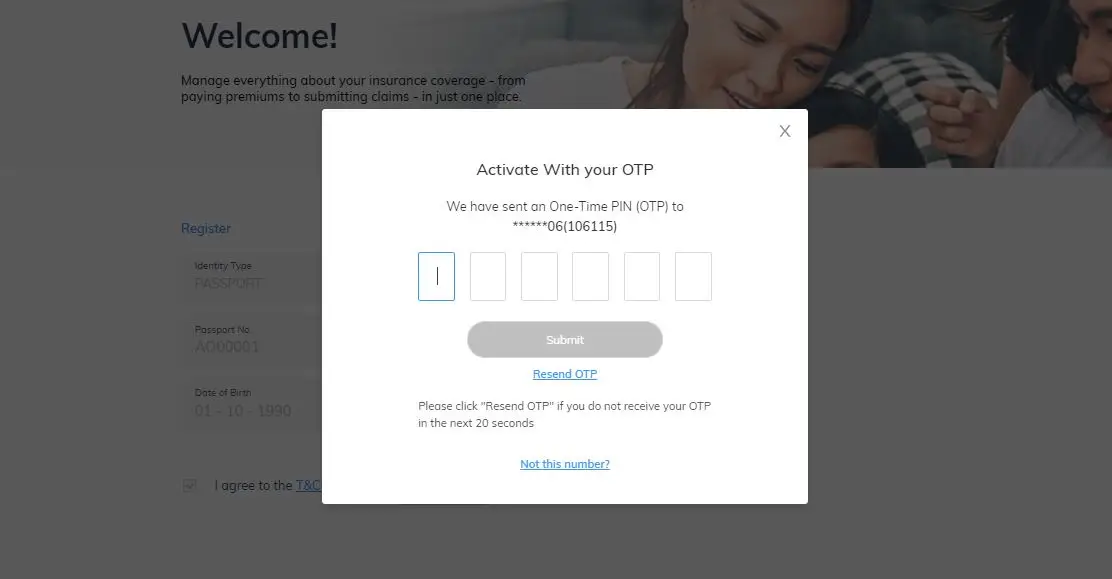
This will serve as your login ID. You will be prompted to create a password as well.

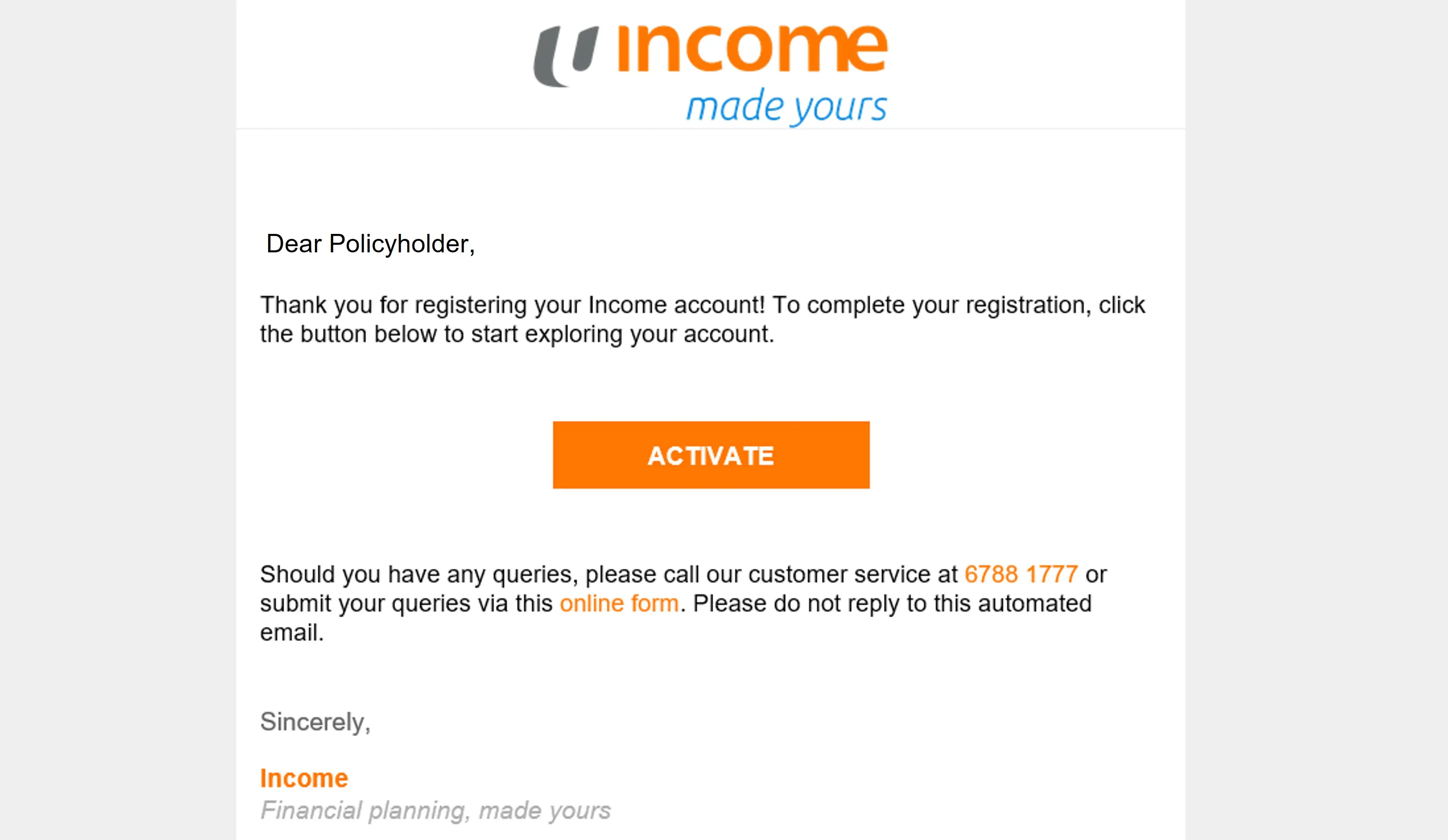
Upon registering, an activation link will be sent to your preferred email address. Click on “Activate” to begin.
Can't find what you need?

Speak to a customer service officer

Visit an income branch

Send us an enquiry
.webp?language=en)

.webp?language=en)


